
The showdown between TradingView vs Thinkorswim remains a central focus for investors, as both platforms offer elite features tailored to vastly different trading styles. In this article, we will perform a deep dive into TradingView vs Thinkorswim to help you identify which platform will become the ultimate “weapon” in your quest for market profitability.
Brief overview of TradingView vs Thinkorswim
What is TradingView?
TradingView is a globally popular charting and technical analysis platform used by millions of traders and investors worldwide.
Key features of TradingView:
- Web-based platform (no installation required)
- Supports multiple asset classes: crypto, forex, stocks, indices, and futures
- Pine Script for creating custom indicators and strategies
- Massive trader community with thousands of free scripts
TradingView is especially popular among crypto traders, forex traders, and beginners.

>>See more:
- Top TradingView crypto indicators for traders
- TradingView Alerts Setup: Step-by-Step Automation Guide
- TradingView for Beginners: A Complete Step-by-Step Guide
- How to draw trendline TradingView to analyze market trends
What is Thinkorswim?
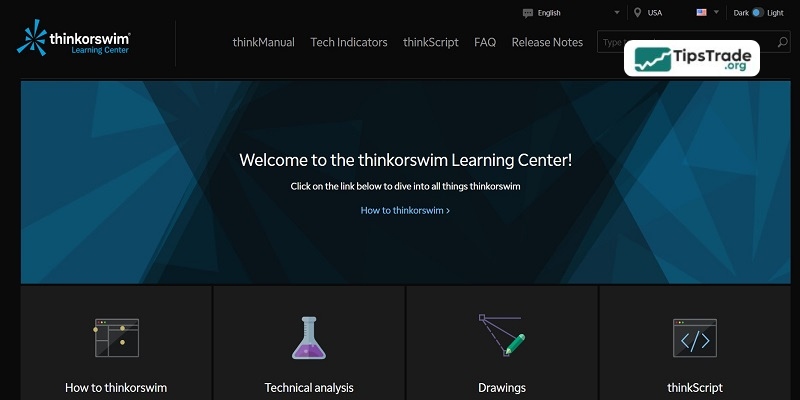
Thinkorswim is a professional trading platform developed by TD Ameritrade (now owned by Charles Schwab). It is considered one of the most powerful platforms for stocks, options, and futures trading in the U.S.
Key features of Thinkorswim:
- Desktop-based platform with advanced analytics
- ThinkScript for building sophisticated trading strategies
- Powerful options chain, probability analysis, and risk management tools
- Institutional-grade market data
Thinkorswim is widely used by professional and institutional traders.
TradingView vs ThinkorSwim: Key Differences
User Interface and Accessibility
The way you approach and use a trading platform can significantly impact your investment performance. If a platform is too complex, executing trades may take longer and increase the risk of errors. Some platforms are highly complex and designed specifically for professional traders, while others are user-friendly and accessible to users of all skill levels.
TradingView
- Easy to use: TradingView is well known for its sleek, modern, and intuitive interface, making it easy for beginners to get started. As a browser-based platform, it eliminates the need for software installation and runs smoothly on all devices, from desktops to tablets and smartphones.
- Cloud-based convenience: Users can save chart layouts and access them from any device, ensuring flexibility when trading anytime, anywhere.
- Mobile app: The TradingView mobile app offers a full-featured experience comparable to the desktop version.
Thinkorswim
- Advanced but complex: Thinkorswim’s interface is feature-rich but can be overwhelming for new users. It is primarily designed for professional traders and requires a steep learning curve to fully master.
- Desktop-focused: Although Thinkorswim has web and mobile versions, its full power lies in the desktop platform, which is optimized for multi-monitor setups.
- Customization: Thinkorswim allows deep workspace customization, including widgets, multiple chart layouts, and advanced tools tailored to individual user needs.
Charting and Technical Analysis Tools
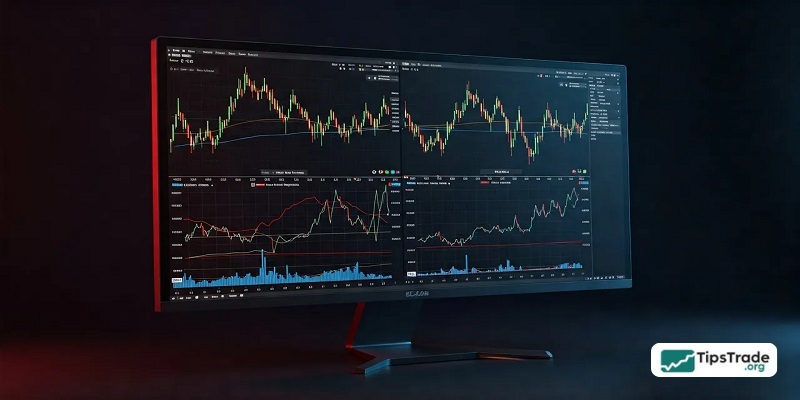
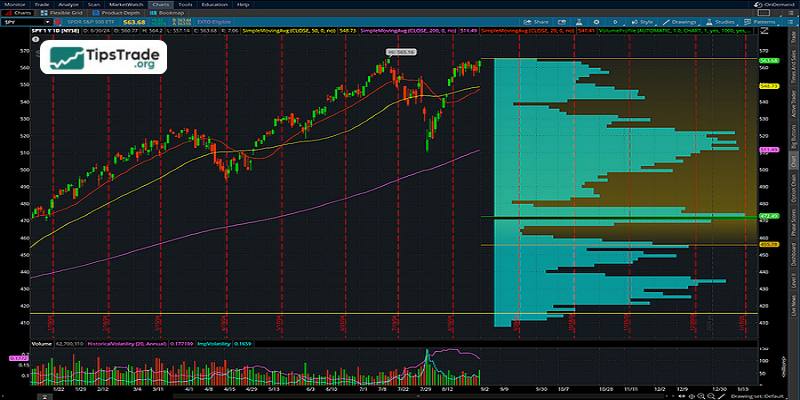
For evaluating price action and making informed trading decisions, advanced technical analysis tools and charting features are essential. Both TTradingView vs Thinkorswim offer powerful charting packages with comprehensive indicator systems, research tools, and unique custom scripting capabilities.
TradingView
- Charting flexibility: TradingView offers more than 10 chart types, including Renko, Heikin-Ashi, Kagi, and Point & Figure, making it highly suitable for technical analysts.
- Indicators and Scripts: It provides over 100 built-in indicators, along with custom indicators created by users using the Pine Script language. Users can layer multiple indicators, create custom studies, and access a massive shared script library from the community.
- Multi-chart layouts: Depending on the subscription plan, users can view up to 8 charts per tab simultaneously.
- Historical data: TradingView offers up to 20,000 historical bars for long-term analysis, depending on the service plan.
Thinkorswim
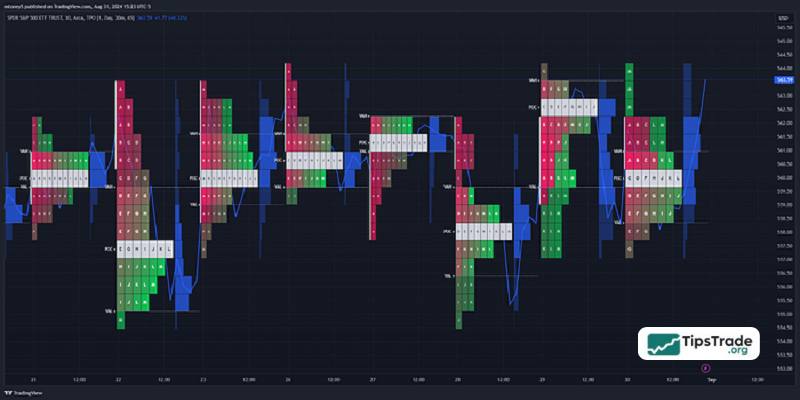
- Institutional-grade tools: Provides more than 400 technical indicators, including proprietary studies that TradingView does not offer.
- ThinkScript: A powerful programming language that allows advanced traders to create custom indicators, strategies, and alerts. It supports complex calculations and higher levels of automation compared to Pine Script.
- Advanced visualization: Offers detailed visual tools such as Time and Sales data, heat maps, and highly customizable drawing tools.
- Customizable chart layouts: Traders can arrange multiple charts and link them with watchlists or other trading tools for seamless navigation.
Market Coverage
Another key factor to consider when choosing a trading platform is market access. Depending on your strategy, you may need a platform that covers niche asset classes or focuses on specific global markets.
TradingView
- Global market access: Covers a wide range of asset classes, including stocks (global markets), forex, cryptocurrencies, commodities, and indices.
- Broker integration: Allows trading through selected brokers such as TradeStation, OANDA, and FXCM. However, the broker list is still more limited compared to Thinkorswim.
- Community-sourced data: Provides alternative data from sources such as cryptocurrency exchanges and smaller regional markets.
Thinkorswim
- U.S.-market focused: Primarily focuses on U.S. stocks, ETFs, options, and futures. Its global market coverage is more limited compared to TradingView.
- Direct broker integration: Fully integrated with TD Ameritrade, offering seamless trading and account management for TD Ameritrade clients.
- Forex and futures support: Strong support for forex and futures markets with advanced tools such as futures ladders and specialized forex studies.

Social and Collaborative Features
Collaborative features are becoming increasingly popular on trading platforms. These social tools can enhance your market research efficiency, especially for traders who like learning from others or sharing their own trading ideas.
TradingView
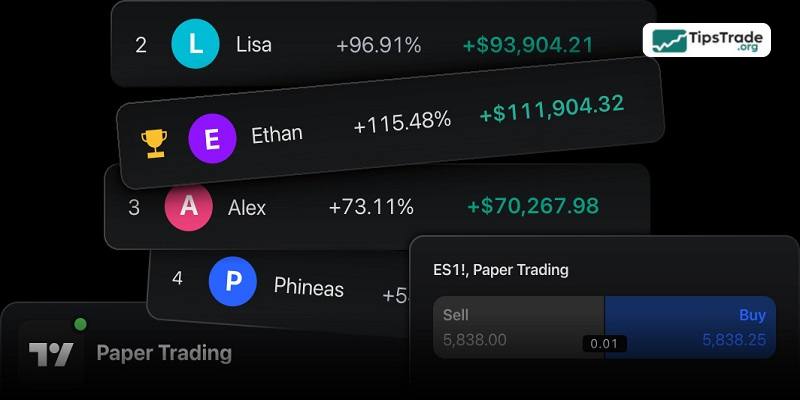
- Social trading community: TradingView is unmatched in collaboration features, allowing traders to share charts, ideas, and strategies. Users can follow experienced traders, comment on ideas, and interact with a global community.
- Public scripts and strategies: Traders can share custom indicators and scripts with others or access thousands of community-built tools.
- Learning opportunities: Beginners can learn from trade setups and strategies posted by experienced users.
Thinkorswim
- No social features: Thinkorswim does not offer built-in social or collaboration features. The platform focuses solely on individual trading and analysis tools.
Alerts and Notifications
Traders can be notified of potential opportunities based on their personal preferences through market alert features. Both TradingView vs Thinkorswim offer powerful alert systems, but their capabilities differ in several key ways:
TradingView
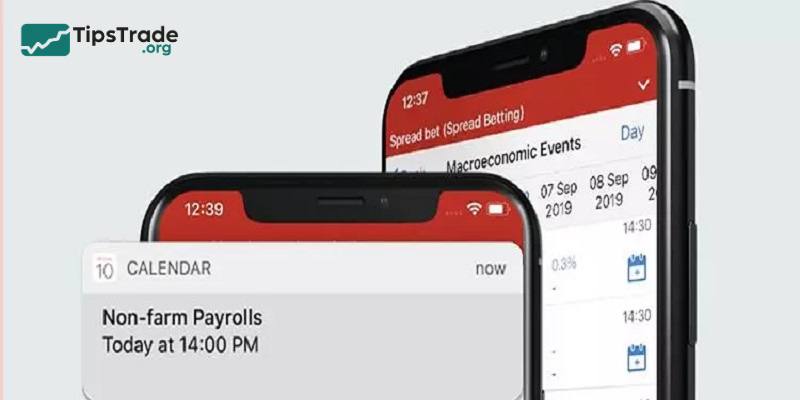
- Highly customizable alerts: TradingView allows users to set price alerts, technical condition alerts, or alerts based on custom scripts. These notifications can be delivered via email, SMS, or push notifications on mobile devices.
- No-expiration alerts: Premium subscription plans include alerts that never expire, ensuring long-term monitoring of market conditions.
Thinkorswim
- Advanced alert system: Alerts can be created for price movements, technical conditions, or custom ThinkScript criteria. These alerts not only send notifications but can also trigger automated trading orders.
- Customization: Thinkorswim alerts are more complex and designed for professional needs, allowing multi-condition setups.
Pricing and Costs
When choosing a trading platform, pricing can be a significant deciding factor. Some platforms charge monthly subscription fees, while others are free and only charge fees when you execute trades.
TradingView
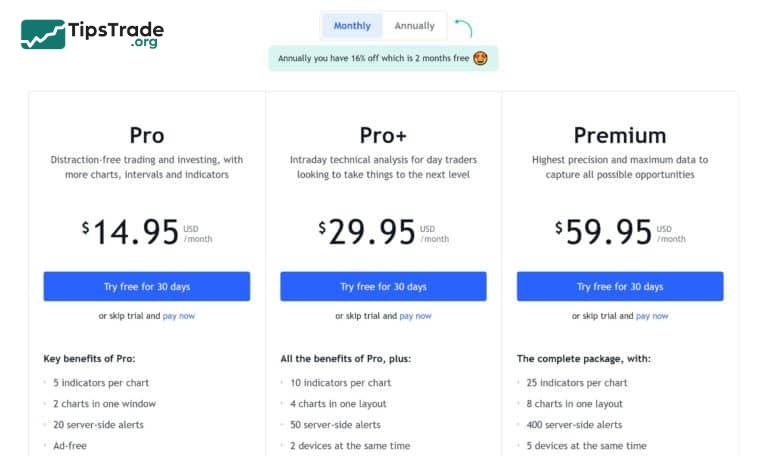
Offers flexible subscription tiers:
- Essential Plan: $12.95/month or $155.40/year (save $24 annually).
- Plus Plan: $24.95/month or $299.40/year (save $60 annually).
- Premium Plan: $49.95/month or $599.40/year (save $120 annually)
- Free tier available with basic features, making it accessible to beginners.
- Discounts for annual billing (16% savings).
Thinkorswim
- Free to use for TD Ameritrade account holders, with no subscription fees.
- Trading commissions may apply for certain asset classes, such as options or futures.
- No tiered plans or premium upgrades; all features are included for TD Ameritrade users.
TradingView vs thinkorswim Pros & Cons
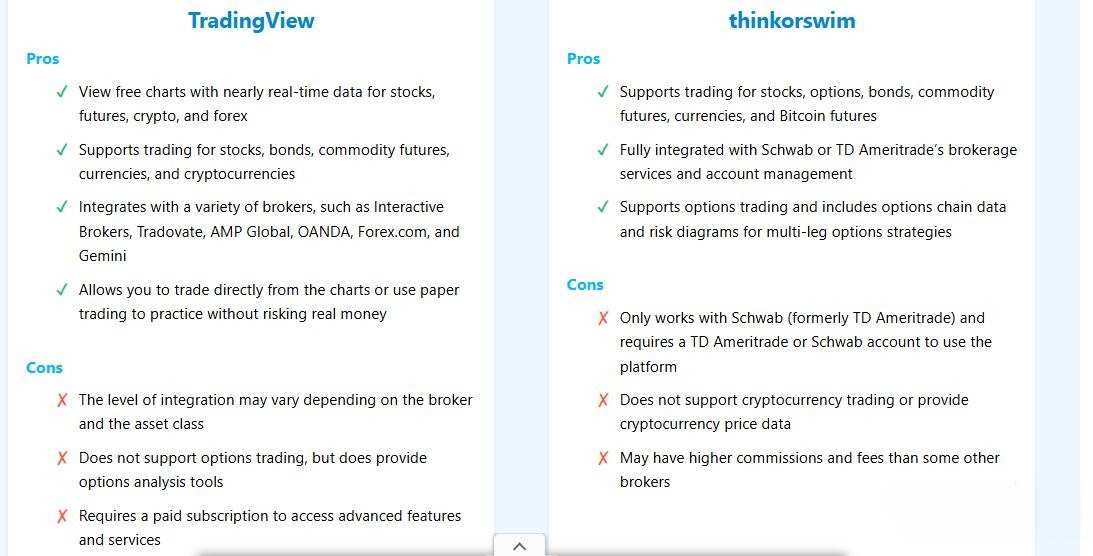
TradingView vs Thinkorswim: Which platform is best for you?
Choose TradingView if:
- You want a simple, user-friendly platform that works across all devices.
- You trade across multiple global markets, including cryptocurrencies, forex, and commodities.
- You value collaboration and learning from other traders through shared ideas.
- You prioritize highly customizable charting and indicator tools.
- You’re looking for flexible pricing options and a risk-free trial.
Choose Thinkorswim if:
- You need professional-grade tools for advanced options, futures, or forex trading.
- You primarily focus on U.S. markets and use TD Ameritrade as your broker.
- You’re an experienced trader looking for highly customizable workspaces and advanced analytics.
- You’re cost-conscious but require a robust platform that is available for free with a TD Ameritrade account.
- You need tools like ThinkScript for creating automated strategies or specialized studies.
Final words
Ultimately, declaring a winner in the TradingView vs Thinkorswim debate depends entirely on your personal trading goals and technical expertise. We hope this detailed comparison of TradingView vs Thinkorswim has provided you with a comprehensive overview. Be sure to explore the free versions of both platforms to gain hands-on experience before finalizing your investment strategy for 2026!
See more: